

.BAK File Extension
Chromium Bookmarks Backup
| Developer | |
| Popularity |
3.9 | 758 Votes |
What is a BAK file?
A Bookmarks.bak file is a backup of a bookmarks file created by Google Chrome, Microsoft Edge, or another Chromium-based web browser. It contains a plain text list of a user's bookmarks and folders, formatted using JSON. Chromium-based browsers automatically create BAK files named Bookmarks.bak.
More Information
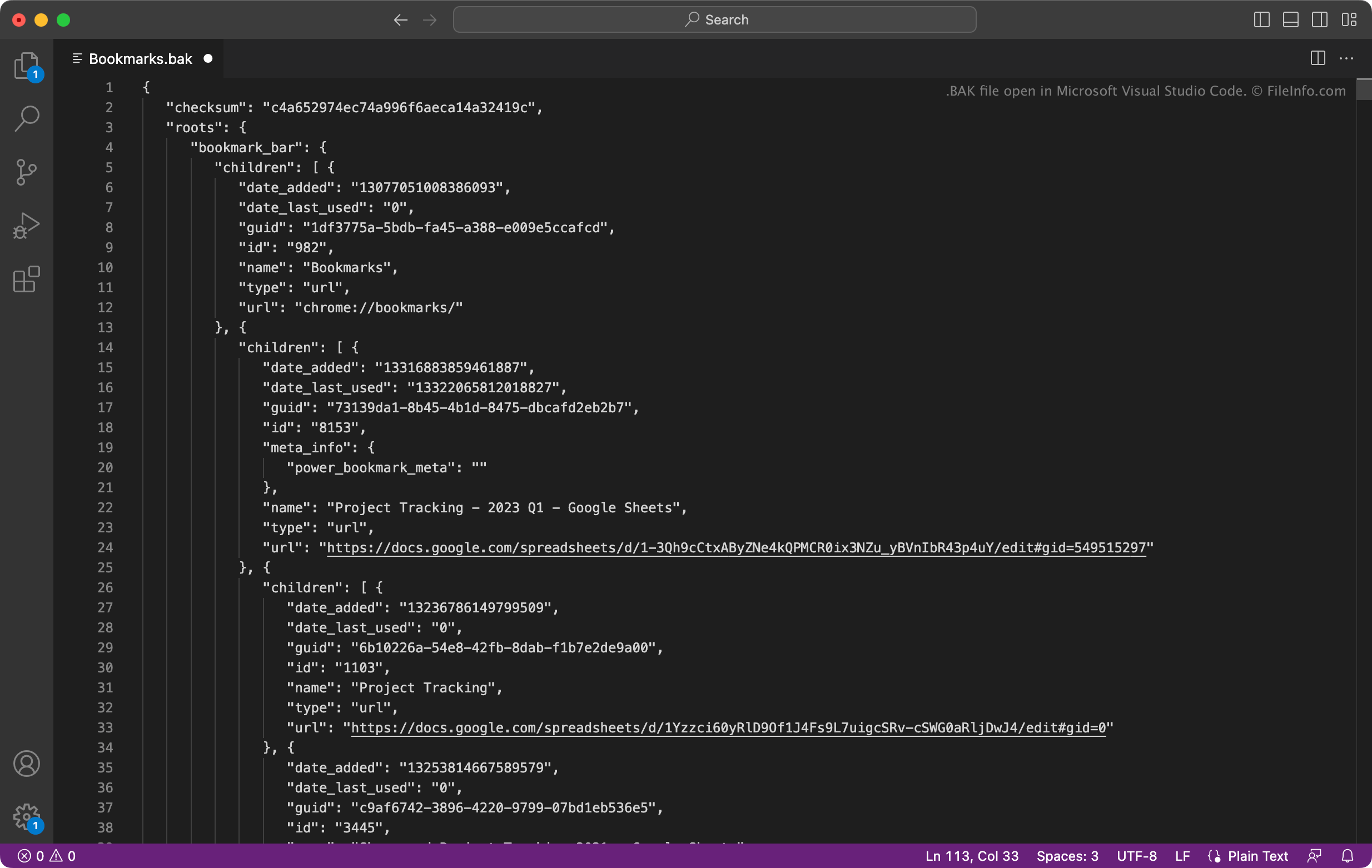
Many popular web browsers, including Google Chrome and Microsoft Edge, are based on Google's open-source Chromium browser. Chromium-based browsers save users' bookmarks in a file named Bookmarks. They also save a backup of users' bookmarks in Bookmarks.bak.
How to restore your bookmarks with Bookmarks.bak
If you use a Chromium-based browser, and your Bookmarks file becomes corrupt or goes missing, you can use your Bookmarks.bak file to restore your bookmarks and folders. To do so, first navigate to the directory that contains your Bookmarks and Bookmarks.bak file:
- Google Chrome for Windows: ~/Users/YourUserName/AppData/Local/Google/Chrome/User Data/Default
- Google Chrome for macOS: ~/Users/YourUserName/Library/Application Support/Google/Chrome/Default
- Microsoft Edge for Windows: ~/Users/YourUserName/AppData/Local/Microsoft/Edge/User Data/Default
- Microsoft Edge for macOS: ~/Users/YourUserName/Library/Application Support/Microsoft Edge/Default
Once you have located the Bookmarks backup file, delete the Bookmarks file (if it appears). Then, rename Bookmarks.bak to Bookmarks (remove the file extension). When you close and reopen your browser, the bookmarks contained in your renamed Bookmarks will appear.
How to open a BAK file
You can open Bookmarks.bak with Microsoft Visual Studio Code (multiplatform), Microsoft Notepad (Windows), Apple TextEdit (Mac), or any other text editor. Doing so will allow you to view the bookmarks and metadata the file contains.
For instructions on how to use Bookmarks.bak to restore your bookmarks in Google Chrome or Microsoft Edge, see above.
Programs that open or reference BAK files
Finale 2012 Score Backup
| Developer | MakeMusic |
| Popularity |
3.4 | 62 Votes |
More Information
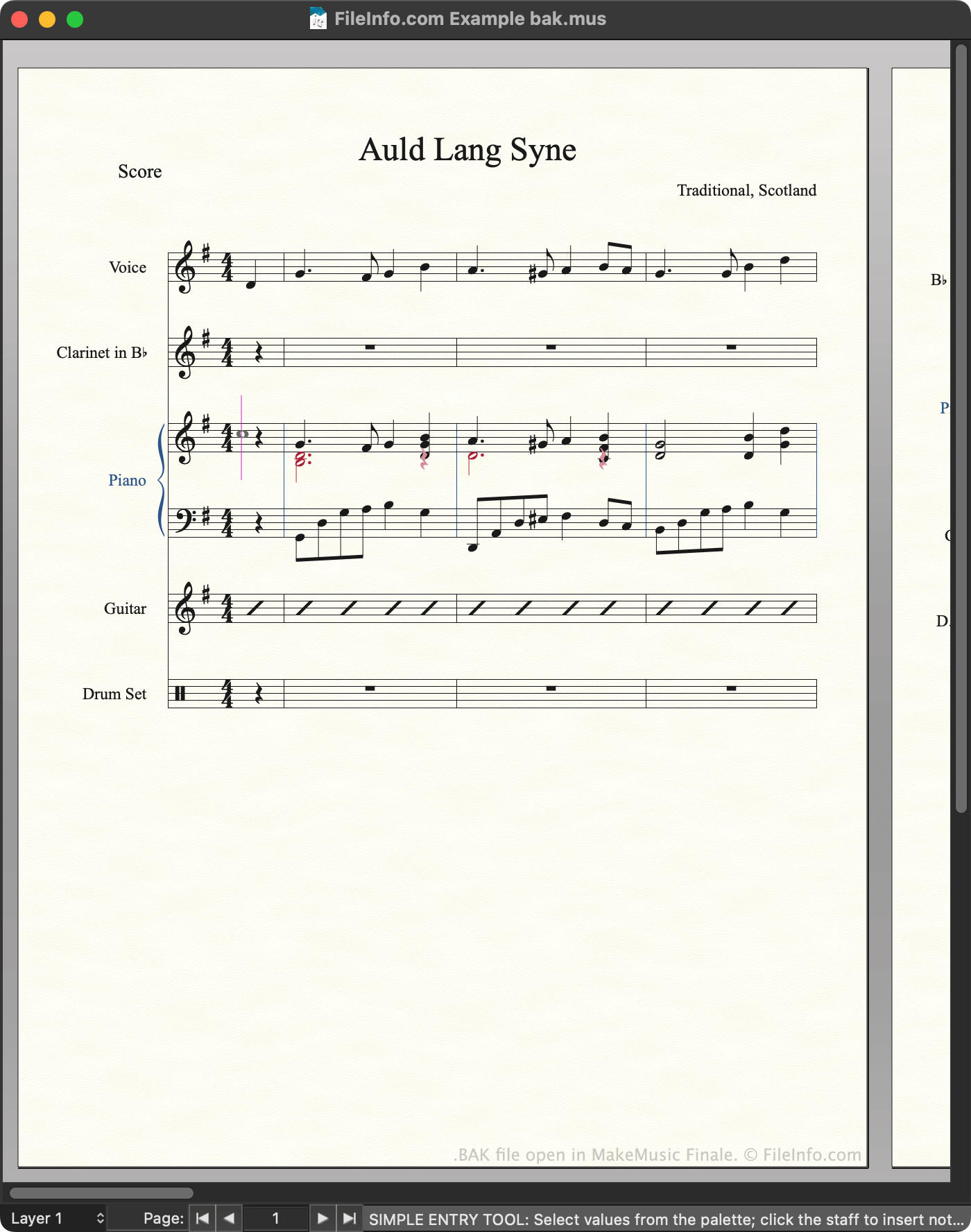
Composers use MakeMusic Finale to create, edit, and play back musical scores. Finale 2012 and previous versions save scores as MUS files. By default, whenever a user saves a MUS file, Finale automatically creates a backup of that file. The backup is stored in the following directory:
~/Documents/Finale Files/Backups
Each backup uses the same filename as the MUS file from which it was created, except that the backup's filename ends with bak.mus to denote that it is a backup. Finale users and documentation often refer to these backup files as BAK files, even though the files use the .mus extension.
How to stop Finale from creating BAK files
If you want to stop Finale from creating BAK files:
- Open the program's menu.
- Select from the left-hand sidebar.
- Clear the checkbox.
NOTE: Newer versions of Finale save backups as .BAKX files.
How to open a BAK file
You can open a BAK file with MakeMusic Finale (Windows, Mac). To do so, select from the program's menu bar. Then, navigate to and open your BAK file.
After you open your BAK file, you can use the option to save the file as a normal MUS or .MUSX file.
How to convert a BAK file
Programs that open BAK files
MobileTrans Backup
| Developer | Wondershare |
| Popularity |
3.4 | 54 Votes |
A BAK file may also be a backup file created by WonderShare MobileTrans, a program used to back up and transfer mobile device data. It contains a copy of a user's device data, which may include contacts, messages, calendar appointments, photos, music, videos, app settings, and other data. Users create and load BAK files from MobileTrans's screen.
More Information

Smartphone users can use WonderShare MobileTrans to back up much of the data stored on their devices. To do so, users connect their device to their computer, go to MobileTrans's screen, and select . They can then specify what data should be included in the backup.
MobileTrans saves backups as BAK files. By default, MobileTrans stores BAK files in the following directory:
~Users/YourUserName/Wondershare/MobileTransPro/Backup
To use a BAK file with MobileTrans, you must place it in the directory noted above. Then, MobileTrans will be able to locate the file during the backup restoration process.
Common BAK Filenames
[name of device]_[date]_[time].bak - Naming convention for MobileTrans BAK files.
How to open a BAK file
You can open a BAK file with WonderShare MobileTrans (Windows, Mac). To do so, first make sure your BAK file is stored in the following directory:
~Users/YourUserName/Wondershare/MobileTransPro/Backup
Then:
- Open WonderShare MobileTrans.
- Connect your smartphone to your computer.
- Go to the screen.
- From the section, select .
Your BAK file will appear in WonderShare MobileTrans. You can use the Restore button to restore the backup your BAK file contains to your smartphone.
Programs that open BAK files
Terraria World or Player Backup
| Developer | Re-Logic |
| Popularity |
3.2 | 15 Votes |
More Information
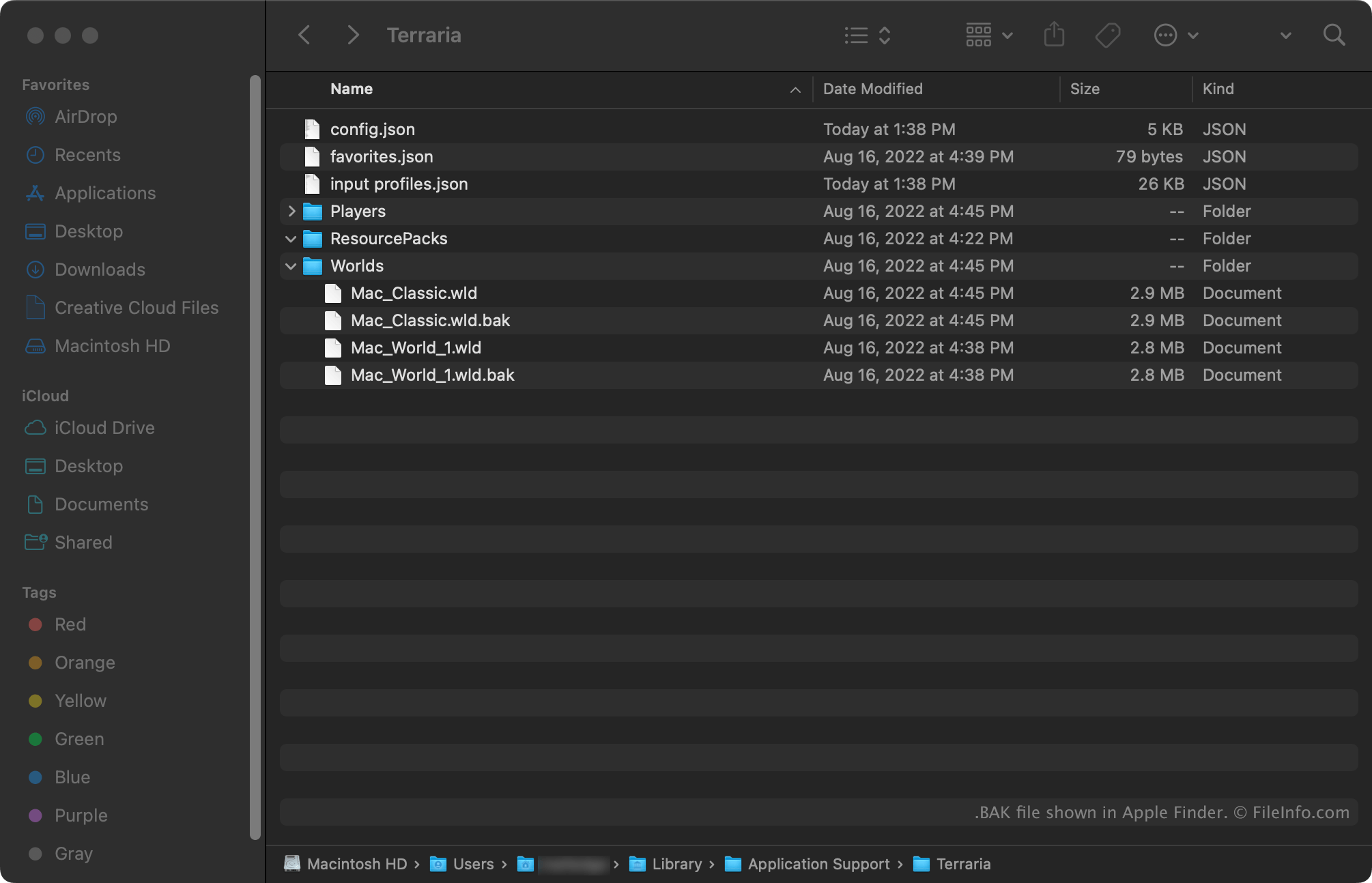
Terraria is a multiplatform exploration, construction, and survival game. The Windows and Mac versions of Terraria automatically create backups of players' worlds and player profiles. World backups use the extension .wld.bak. Player profile backups use the extension .plr.bak.
World backups are stored in the following directories:
- Windows: ~/Users/YourUserName/Documents/My Games/Terraria/Worlds
- Mac: ~/Users/YourUserName/Library/Application Support/Terraria/Worlds
Player profile backups are stored in the following directories:
- Windows: ~/Users/YourUserName/Documents/My Games/Terraria/Players
- Mac: ~/Users/YourUserName/Library/Application Support/Terraria/Players
How to open a BAK file
To use a BAK file to restore a Re-Logic Terraria (Windows, Mac) world or player profile:
- Remove the .bak extension from the file's name.
- Place the file in the appropriate game directory (noted above).
The next time you open Terraria, the world or player profile your file contains will appear for selection.