

Corel WinZip
| Version | 26 Standard(as of 12/17/2021) |
| Platform | Windows |
| License | Commercial |
| Category | Utility |
Main Features
- Widely-used file compression utility
- ZipSend and ZipShare services for sending large files via email
- Support for many compressed file formats
- AES encryption and password-protection security
- Integrated into Windows Explorer
- Split archive capabilities
- Automated backups
- PDF capabilities, such as signing, merging, and encrypting
Software Overview
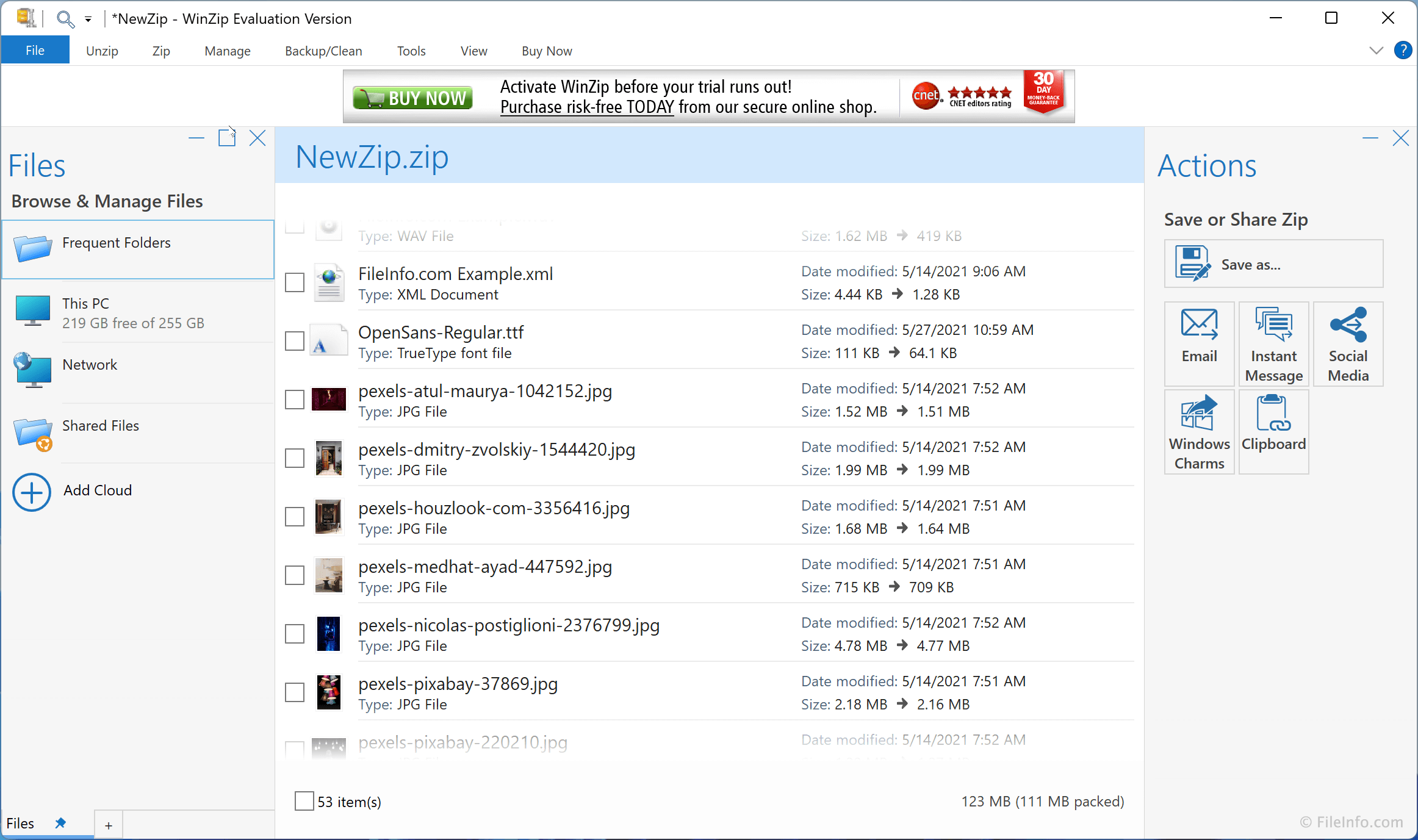
Corel WinZip is a popular file compression utility for Windows. By compressing files into archives, users can conserve storage space and transfer files over the Internet more quickly. WinZip also allows users to decompress archives, back up their files to the cloud, securely encrypt data, and manage image and PDF files.
WinZip supports a variety of archive formats, including .ZIP, .ZIPX, .RAR, .7Z, .TAR, .GZIP, and .XZ. The utility can compress and extract data to and from single, split, and multi-volume archives. When creating split archives, users can split numerous files into multiple archives of uniform size. These files can be DVD or CD-ROM disk images, documents, videos, images, and other media files. Users can then merge these split archives and retrieve their files on another device, using WinZip.
After compressing your files, you can easily send them to others via email, social media, or cloud storage, using WinZip's integration with each of these platforms. For example, WinZip's ZipSend service automatically uploads email attachments to the ZipSend online cloud and makes them available to email recipients.
WinZip also allows users to secure their data. It supports AES encryption, which can be used to secure and password-protect sensitive data. Additionally, WinZip automatically wipes, obfuscates, and deletes any temporary extracted files that were created in the process of decryption, preventing unauthorized access to deleted files.
Summary
Corel WinZip offers a wide set of features useful in both personal and professional environments. Most personal users will be content using just WinZip's basic features, to decompress archives they've downloaded from the Internet and compress files so they can send them to others. Professional users, on the other hand, will enjoy WinZip's advanced encryption, backup, and file management features. Personal and professional users alike will enjoy how intuitive and easy-to-use WinZip is, making it a great solution for all your file compression and management needs.
Primary File Type
 .ZIPZipped File
Supported File Types
| Extension | File Type |
|---|---|
| .ZIP | Zipped File |
| .7Z | 7-Zip Compressed File |
| .B64 | Base64 MIME-Encoded File |
| .BHX | BinHex Encoded File |
| .BZ | Bzip Compressed File |
| .BZ2 | Bzip2 Compressed File |
| .CAB | Windows Cabinet File |
| .EXE | Windows Executable File |
| .GZ | Gnu Zipped Archive |
| .HQX | BinHex 4.0 Encoded File |
| .IMG | Disc Image Data File |
| .ISO | Disk Image File |
| .LHA | LHARC Compressed Archive |
| .LZH | LZH Compressed File |
| .MIM | Multi-Purpose Internet Mail Message File |
| Portable Document Format File | |
| .RAR | WinRAR Compressed Archive |
| .TAR | Tape Archive |
| .TBZ | Bzip Compressed Tar Archive |
| .TBZ2 | Bzip2-Compressed TAR File |
| .TGZ | Gzipped Tar File |
| .UUE | Uuencoded File |
| .VHD | Virtual PC Virtual Hard Disk |
| .WMZ | Windows Media Player Skin Package |
| .WSZ | Winamp Classic Skin |
| .XXE | XXEncoded File |
| .Z | Unix Compressed File |
| .ZIP | Zipped File |
| .ZIPX | Extended Zip Archive |
Additional Related File Types
| Extension | File Type |
|---|---|
| .MIME | Multi-Purpose Internet Mail Extension |
| .TAR.GZ | Compressed Tarball File |
| .TAZ | Tar Zipped File |
| .TZ | Zipped Tar Archive |
| .UU | Uuencoded File |