

.TORRENT File Extension
BitTorrent File
| Developer | BitTorrent |
| Popularity |
4.2 | 6725 Votes |
What is a TORRENT file?
A TORRENT file is used by BitTorrent and other peer-to-peer (P2P) programs to download content, such as videos, music, games, or documents, over the Internet. It contains metadata that describes the content and tells the program where to find it. For example, a TORRENT file specifies the file names, sizes, and folder structure of the content.
More Information
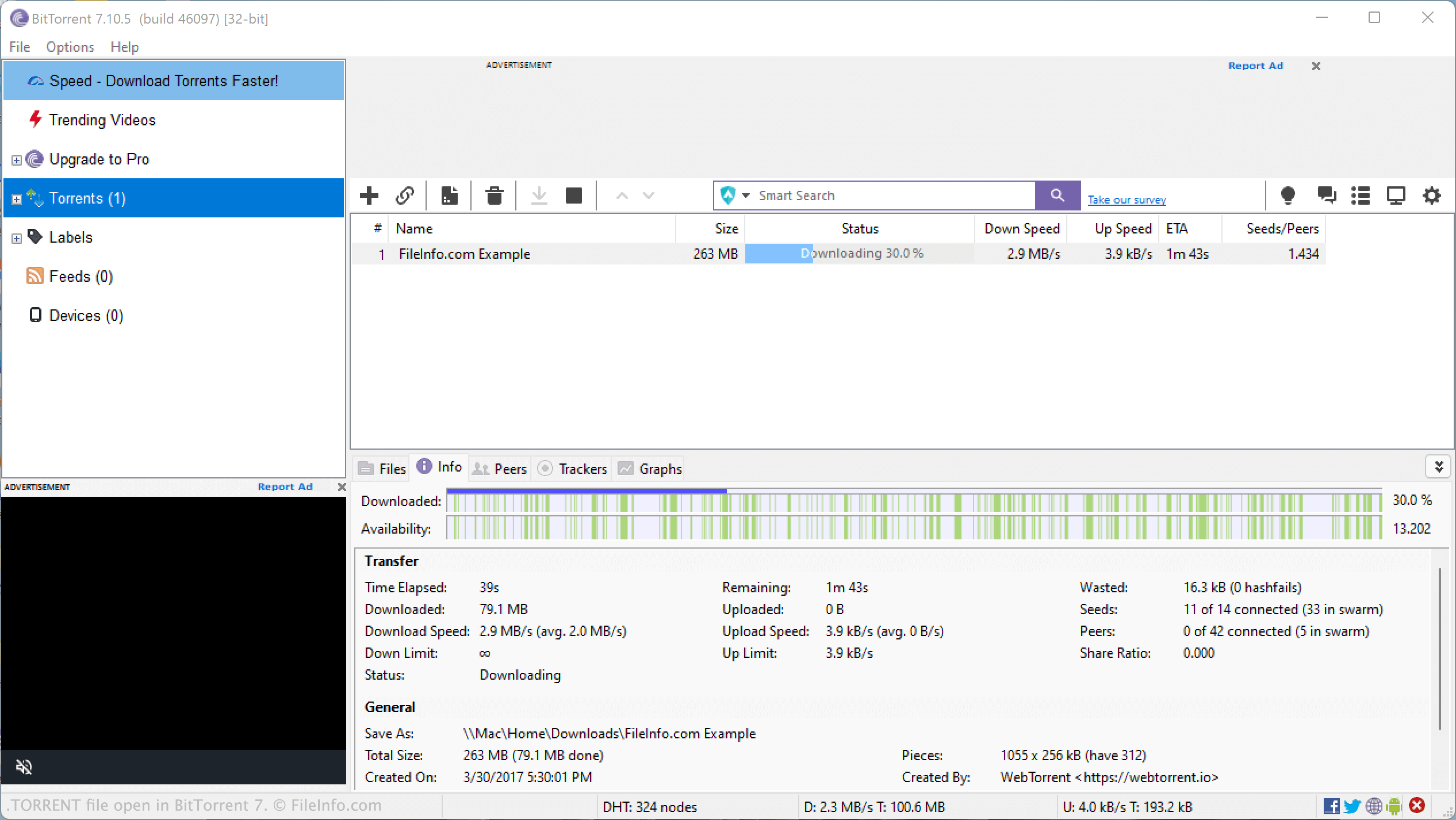
Torrenting is the process of downloading or sharing content using the BitTorrent network. To start, users open a TORRENT file in BitTorrent, which then downloads the content. BitTorrent splits each file into small pieces and downloads them from multiple computers at once, making downloads faster. Your computer may also share pieces of the file with other users while downloading.
Is using TORRENT files illegal?
Using TORRENT files is not illegal in itself. The files can be used to share legal content. However, downloading copyrighted material without permission, such as movies, music, or video games, is illegal.
How to open a TORRENT file
You can open a TORRENT file and use it to download its associated content with various torrenting applications, including BitTorrent, uTorrent, FreeDownloadManager, and Vuze.
For example, to open a TORRENT file in BitTorrent:
- Open BitTorrent and select .
- Navigate to your TORRENT file.
- When the Add New Torrent window appears, confirm that your TORRENT file points to the content you want to download.
- Select .
BitTorrent will then begin downloading the content to which your TORRENT file points.