

.AMPROJ File Extension
TunesKit AceMovi Video Editor Project
| Developer | TunesKit |
| Popularity |
3.0 | 1 Vote |
What is an AMPROJ file?
An AMPROJ file is a project created by TunesKit AceMovi Video Editor, a video editing application for Windows and macOS. It stores a video editing project, including references to imported media files such as video clips, audio tracks, and images, as well as timeline data on clip placement, cuts, transitions, effects, text overlays, and other editing settings. AMPROJ files replaced .TKPROJ files, which previous versions of TunesKit AceMovi Video Editor used to save projects.
More Information
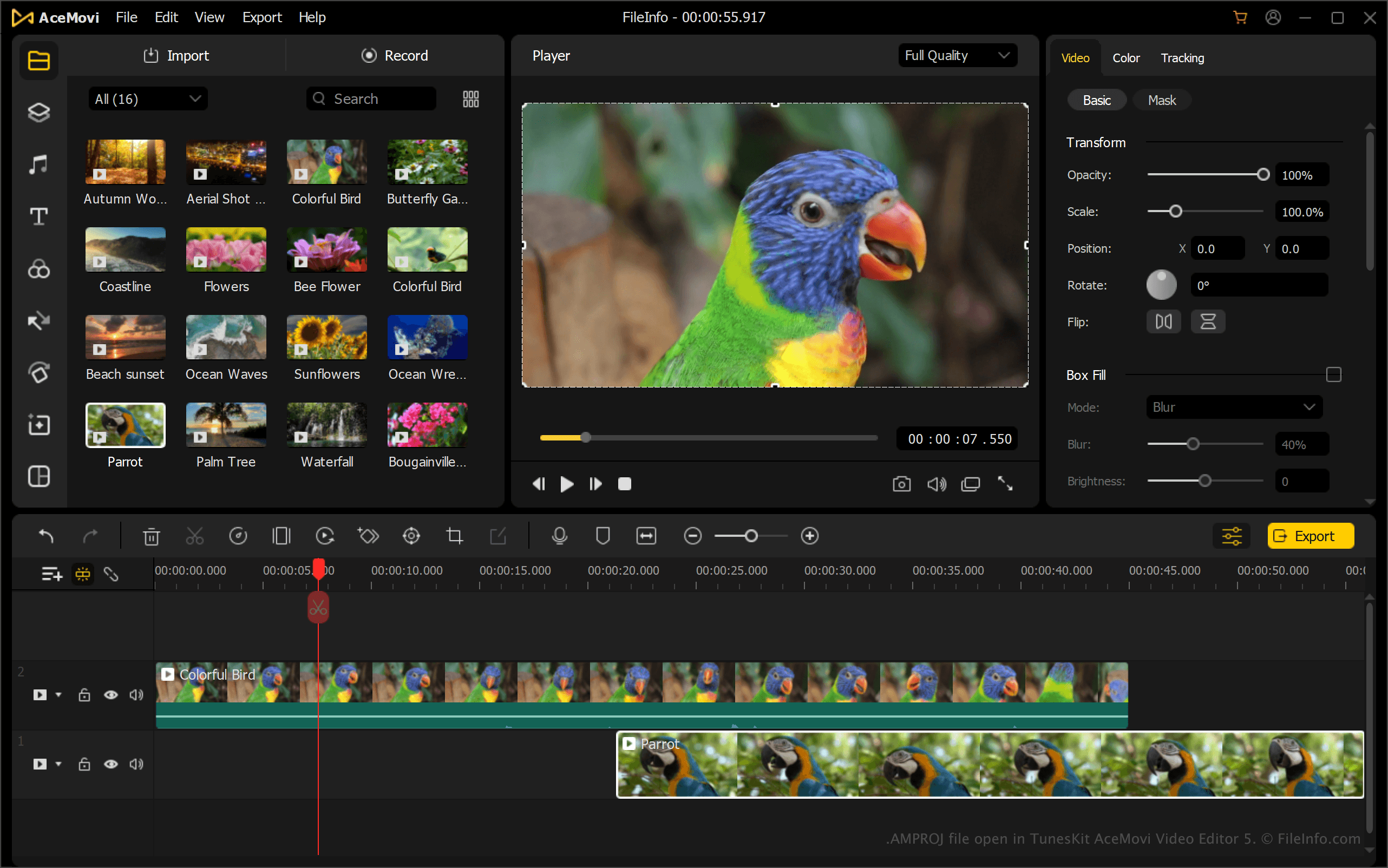
AMPROJ files do not contain the actual media content imported into the video editor. Instead, the project stores text in the XML standard that points to the original files on the user's computer.
NOTE: Since AMPROJ files link to media files, you must keep the original source files in their expected locations. Otherwise, the project may open with missing media that you will need to relink.
How to open an AMPROJ file
You can open AMPROJ files with TunesKit AceMovi Video Editor. To open an AMPROJ file, select or click from the Home screen.