

.PRN File Extension
Print to File
| Developer | N/A |
| Popularity |
3.6 | 229 Votes |
What is a PRN file?
A PRN file is a file created using the checkbox that appears within some Print dialog boxes on Windows. It contains a set of device-specific instructions that a printer, fax machine, or other device uses to print a document. PRN files may contain text or binary content, depending on the device the file was created for.
More Information
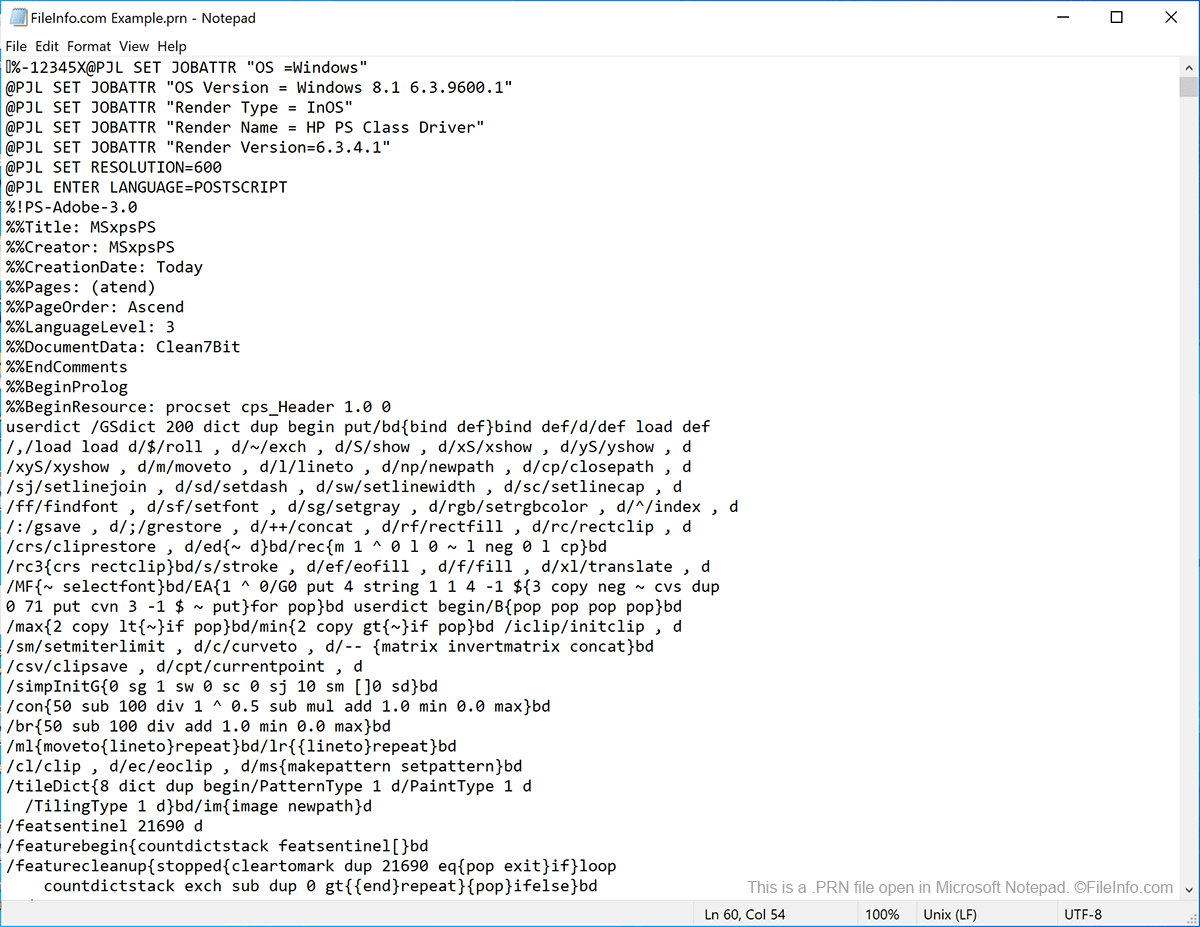
Despite what the name of the checkbox may lead you to believe, PRN files do not simply contain a copy of the document you want to print. Instead, they contain page layout information and other instructions that one specific type of device can use to transfer your document to a printed page. If you want to create a usable copy of your document using the Print dialog box, do not select the checkbox. Instead, use the option to create a .PDF copy of your file.
If you do end up creating a PRN file, you can print it using the printer or other device you selected as you created the file. For example, if you use the same type of printer at home as you do at work, you might want to create a PRN file at home, bring it to your workplace, and print your document from your work printer. Large print shops sometimes use PRN files to print their customers' files, without needing to have access to the proprietary software that created the file.
How to open a PRN file
To send a PRN file to a printer in Windows, you can enter the command copy/b yourfilename.prn \\yourcomputername\yourprintername at the Windows Command Prompt (assuming you use a network- or USB-connected printer). Remember, however, that the PRN file will print correctly only if it was created by a printer that is compatible with your own.
On Macs, you can use a PRN file to open and print a copy of your document with Apple Preview. If you are having trouble opening a PRN file in Preview, you might be able to open it by changing its extension to .PS.
If necessary, you can view a PRN file's contents using any text editor, such as Microsoft Notepad, Apple TextEdit, or GitHub Atom. However, because PRN files are created in a variety of formats for use with a variety of devices, there is no guarantee that your PRN file will contain any usable information. Also, you should not edit your PRN file, as doing so might make the file unprintable.