

.3FR File Extension
Hasselblad 3F RAW Image
| Developer | Hasselblad |
| Popularity |
3.7 | 31 Votes |
What is a 3FR file?
A 3FR file is a digital photograph captured by various Hasselblad digital cameras, such as the X1D II 50C and 907X Special Edition. It stores image data in the Hasselblad 3F RAW (3FR) format as captured by the camera's image sensor. Since 3FR files contain minimally processed image data, they preserve information that photographers can use to adjust exposure, color, and other settings during post-processing.
More Information
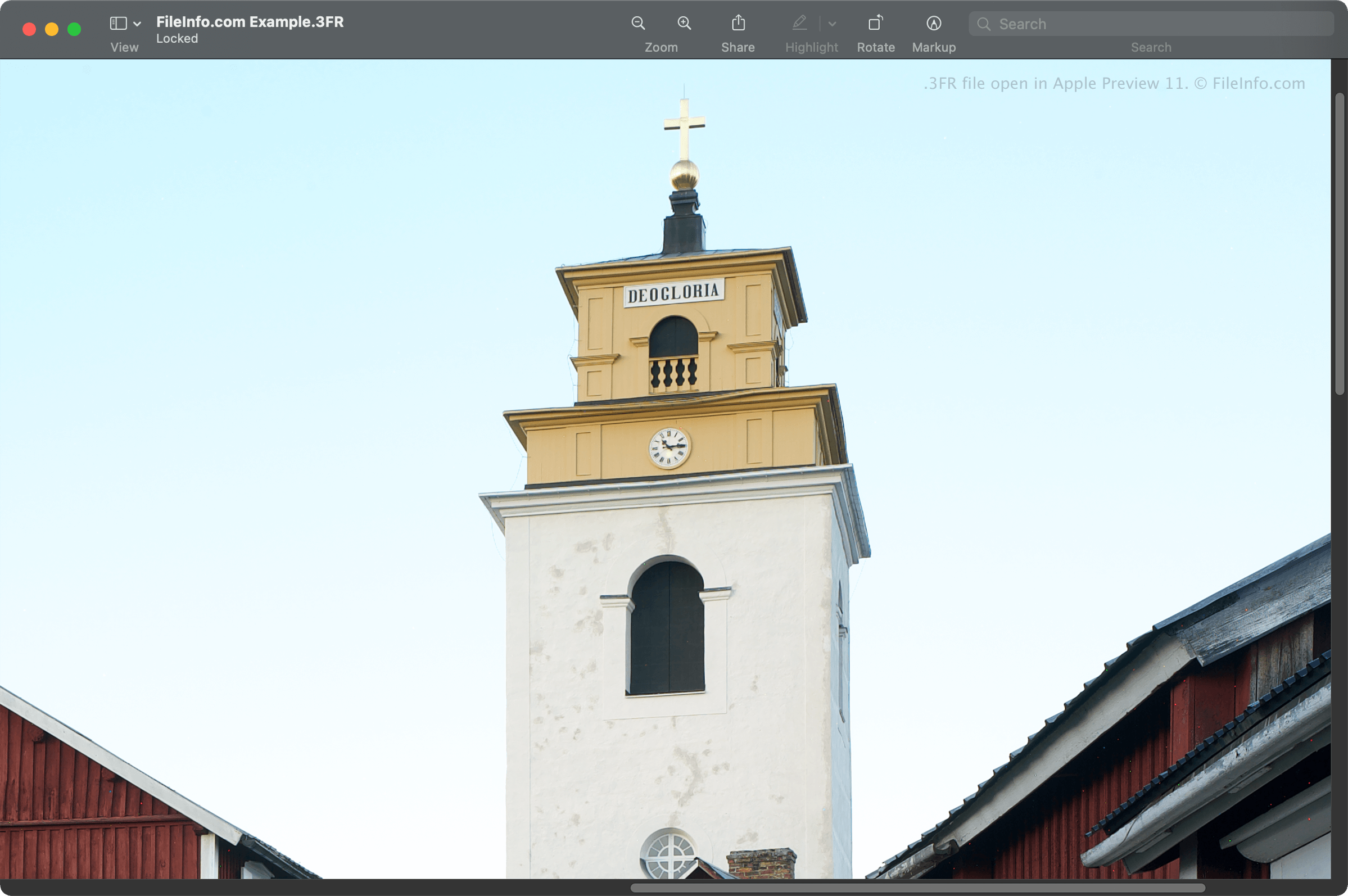
Hasselblad introduced the 3FR format in 2006 with the release of the Hasselblad H2D camera. Older generations of Hasselblad cameras typically saved 3FR files using lossless compression to reduce file size while preserving image quality. Compression methods may vary depending on the camera model and generation.
Who uses 3FR files?
3FR files are primarily used by professional photographers and photography enthusiasts who shoot with Hasselblad digital cameras. Camera raw files, such as 3FR files, store more image information than compressed image formats, giving photographers greater flexibility when editing photographs. However, this additional data often results in larger file sizes, which can require more storage space and make files more difficult to share.
Photographers often edit 3FR images and then export them to formats that use lossy or lossless compression. This process typically produces smaller files that are easier to store, share, and upload while retaining the desired image quality for the intended use.
How to open a 3FR file
You can open 3FR files with various image editing programs, including Hasselblad Phocus, a free image-viewing application. You can also open 3FR files with Microsoft Photos (bundled with Windows) and Apple Preview and Apple Photos (both are bundled with macOS).
Some other image editors that support 3FR files are Corel PaintShop Pro, Adobe Photoshop, and CyberLink PhotoDirector.
How to convert a 3FR file
Several applications, including Adobe Photoshop, Corel PaintShop Pro, and Apple Preview, can convert 3FR files to other file types.
For example, Adobe Photoshop can convert 3FR files to various formats, including the following: