

.EXE File Extension
Windows Executable File
| Developer | Microsoft |
| Popularity |
4.1 | 7014 Votes |
What is an EXE file?
An EXE file is an executable program that runs in Microsoft Windows. It contains an application, like notepad.exe or msedge.exe, that opens when you double-click the file. Some EXE files, such as installers downloaded from the internet, will install a program on your Windows computer when opened.
More Information
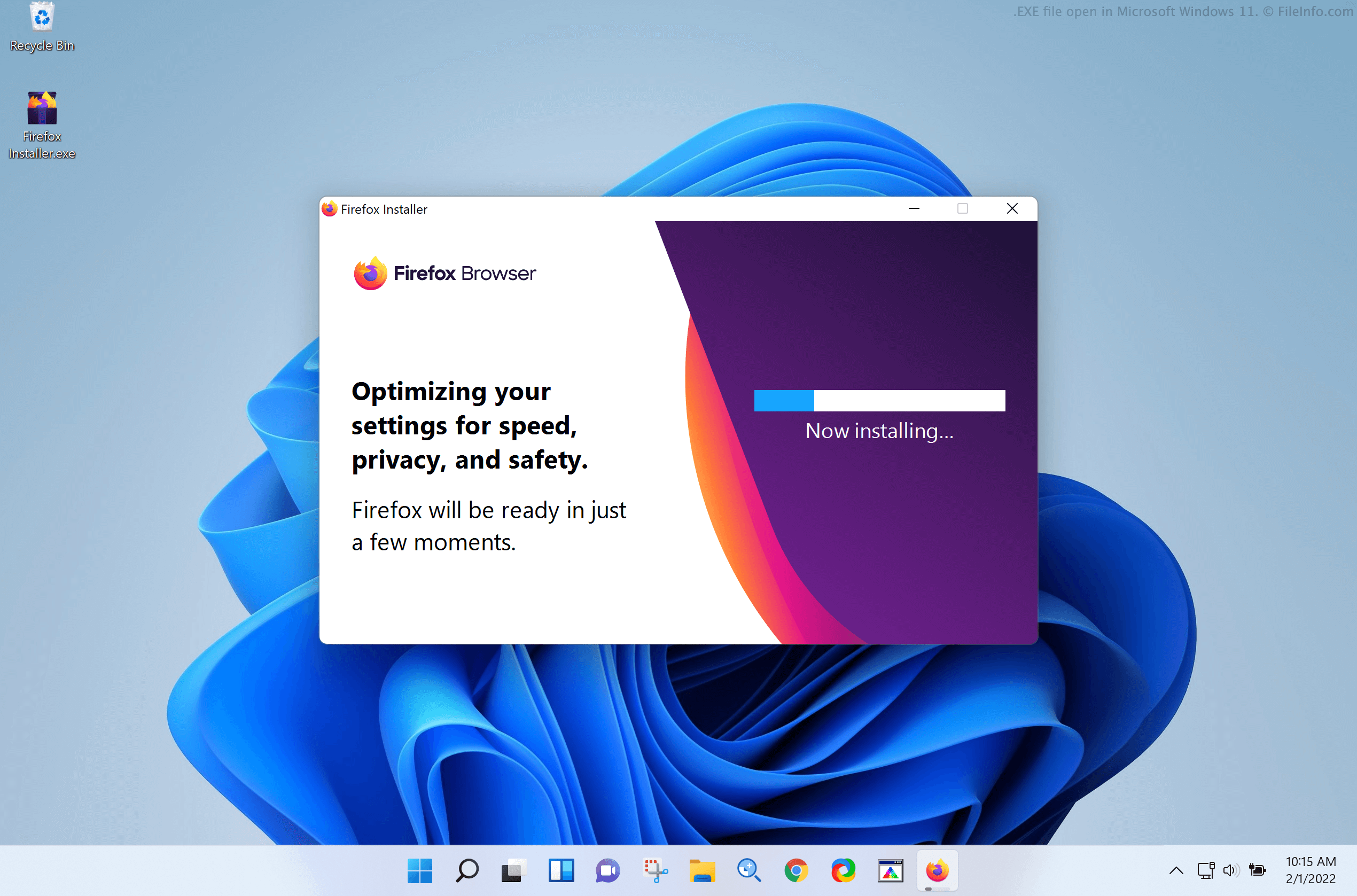
EXE is the primary format software developers use to package and deliver Windows programs. Each EXE file contains data that Windows uses to recognize, read, and run the program the file contains. This data is saved in a compiled, binary format, sometimes called machine code. EXE files also often contain additional program resources, such as the program's icon and its GUI graphics assets.
When you double-click an EXE file in Windows, Windows runs the program the file contains. If the file includes an application installer, the installer will open and start the installation process. If the file stores an application, the application will open. Additionally, if the file contains a different kind of program (e.g., malware), that program will run.
Developers typically name EXE files such that you can tell whether they contain an installer or an application. For example, EXE files that store an installer are often named setup.exe, while EXE files that launch an app usually include the app's name (e.g. msedge.exe for Microsoft Edge).
Difference between EXE files and MSI files
Developers may save Windows application installers as .MSI files instead of EXE files. MSI files are similar to EXE files, except they always contain application installers. They never store Windows applications or other programs. Windows always uses Windows Installer (a utility included with Windows) to open MSI files and install the programs they contain.
Common .EXE Filenames
setup.exe - A common name for application installers. When opened, it begins the installation process.
install.exe - Another popular name for app installers.
cmd.exe - The shell program used by Windows 2000 and later, replacing COMMAND.COM.
How to open an EXE file
In Windows, you can run the program an EXE file contains by double-clicking the file. However, do not double-click the file unless you can verify its legitimacy.
Advanced users can also extract an EXE file's contents without running the program it contains, using archive expansion tools like 7-Zip or RARLAB WinRAR.
How to run an EXE file outside Windows
The EXE file format is designed specifically for use with Windows. Non-Windows operating systems (OS), such as macOS and Linux, cannot natively run programs saved as EXE files. However, macOS, Linux, and other non-Windows users can run Windows programs on their PCs by creating a Windows virtual machine.
In macOS, you can use a Windows virtual machine created by Parallels Desktop or VMware Fusion to run the program an EXE file contains. You can also install Windows on a Mac with the Boot Camp utility bundled with the OS.
In Linux, you can use a Windows virtual machine created by Oracle VM VirtualBox to run the program an EXE file contains. You can also use Wine, an application designed specifically to allow users to run Windows applications without installing Windows.
In Android, you can use the Android version of Wine to run Windows applications. However, Wine for Android is limited by Android devices' architecture, and it can run only some Windows programs. In iOS, you can use the iOS version of Turing Software UTM to run Windows applications.
Warning
EXE files are typically legitimate Windows applications, but they can also be used to distribute and execute malware attacks. To protect against malicious Windows executable attacks, do not double-click an EXE file you have downloaded or received via email unless you trust the file's source.