.IMAGE File Extension

Apple Disk Image

Developer Apple
Popularity
3.1  |  26 Votes
 

What is an IMAGE file?

An IMAGE file is a disk image used on classic Mac systems to store an exact copy of the data from a Mac-formatted disk. It preserves the full structure of the original disk, including files, folders, and file system information. IMAGE files were commonly used to distribute software, back up disks, or duplicate media without requiring the original physical disk.

More Information

While IMAGE files are mostly found in legacy archives or older software collections now, Mac users, developers, and support teams working with classic Mac OS systems commonly created and used them with older Mac utilities, such as Disk Copy and ShrinkWrap. The files were especially useful for distributing applications and system tools before widespread Internet downloads and modern disk image formats became common.

The files are saved in a binary disk image format that captures the contents of a disk sector by sector. When opened, the system treats the IMAGE file like a physical disk, allowing it to be mounted and accessed through the desktop.

How to open an IMAGE file

You can open IMAGE files with Apple Disk Utility. The Roxio Toast utility also supports IMAGE files.

Open over 400 file formats with File Viewer Plus.Free Download

Programs that open IMAGE files

Mac
Included with OS

OpenQwaq Image

Developer OpenQwaq
Popularity
2.6  |  9 Votes
 

File used by OpenQuaq, a free virtual 3D online collaboration program; saves a base image that is used for running either the client or the server OpenQwaq application.

Programs that open or reference IMAGE files

Windows
Mac
Linux

Squeak Virtual Image

Developer The Squeak Community
Popularity
3.0  |  1 Vote
 

An IMAGE file may also be a virtual image that can be run in a Squeak virtual machine (VM). It contains a saved instance of a developer's Squeak development session. IMAGE files can be used to create Squeak VMs on Windows, Mac, and Linux, as well as in web-based Squeak VMs.

More Information
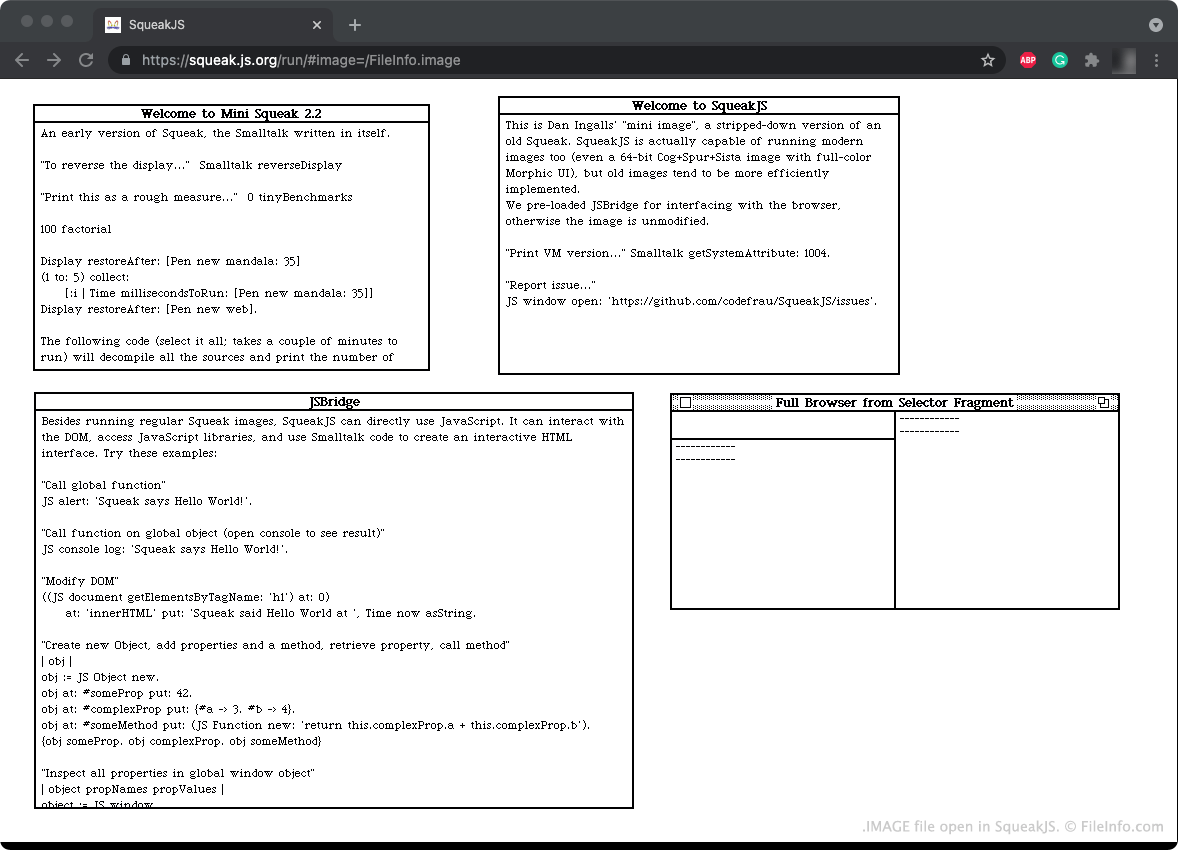
Screenshot of a .image file in SqueakJS
IMAGE file open in SqueakJS

Squeak is a programming language and development environment that was created by developers at Apple and Disney. The Squeak language is based on the Smalltalk-80 language. Squeak is now open-source, meaning anyone can download the Squeak development environment and create programs using the Squeak programming language.

The Squeak development environment comes packaged as an .EXE file, .DMG file, or other executable, which is used to launch a Squeak VM. In their VM, developers can develop programs using the Squeak programming language. When a developer saves a Squeak development session, the session is saved as an IMAGE file. A developer can load their IMAGE file the next time they start a Squeak VM, to resume their development session.

How to open an IMAGE file

You can open an IMAGE file in Squeak (cross-platform) or SqueakJS (Web). For example, to open an IMAGE file in SqueakJS, go to https://squeak.js.org/run/ and drag and drop your IMAGE file onto the page.

Programs that open IMAGE files

Windows
Free
Mac
Free
Linux
Free
Web

Verified by FileInfo.com

The FileInfo.com team has independently researched all file formats and software programs listed on this page. Our goal is 100% accuracy and we only publish information about file types that we have verified.

If you would like to suggest any additions or updates to this page, please let us know.